Step 3 of 4
Open BuckMe
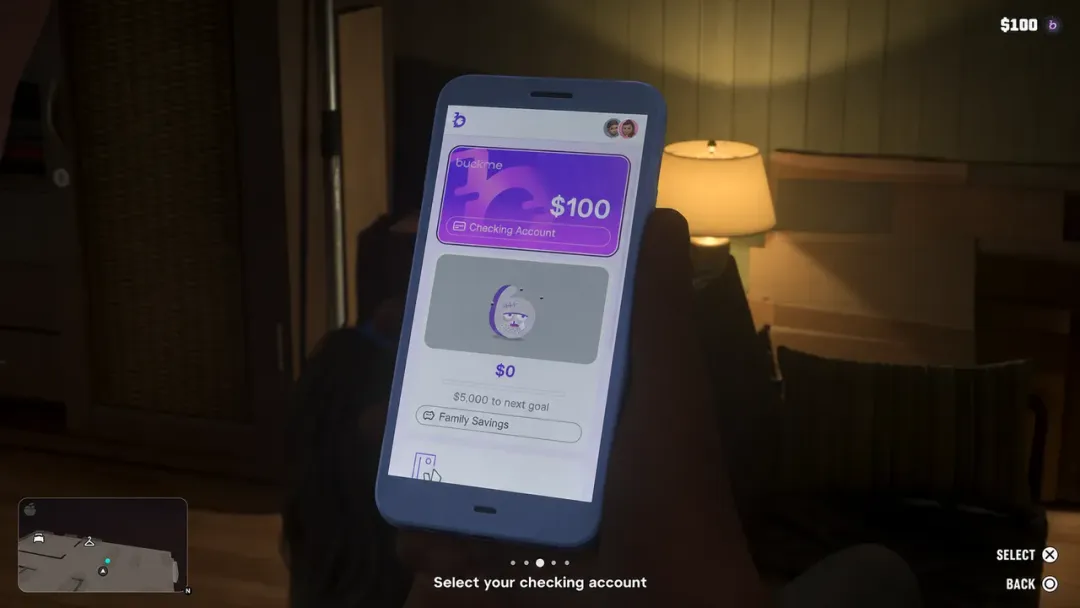
Head back home from Fleeca Bank, pull out Jason's phone, and open the newly installed BuckMe app to inspect your checking account and $100 welcome bonus.
Accessing your new account
- Open Jason's phone once you return home after the bank appointment.
- Launch the BuckMe app from the phone screen.
- Select your Checking Account to view the $100 welcome credit sitting in the balance alongside the separate Family Savings tracker below it.
All 4 steps
Heistbook app
Track your 100%
Check off collectibles, missions and achievements as you play.
-

- Coming soon to Google Play