Step 4 of 4
Move Money into Family Savings
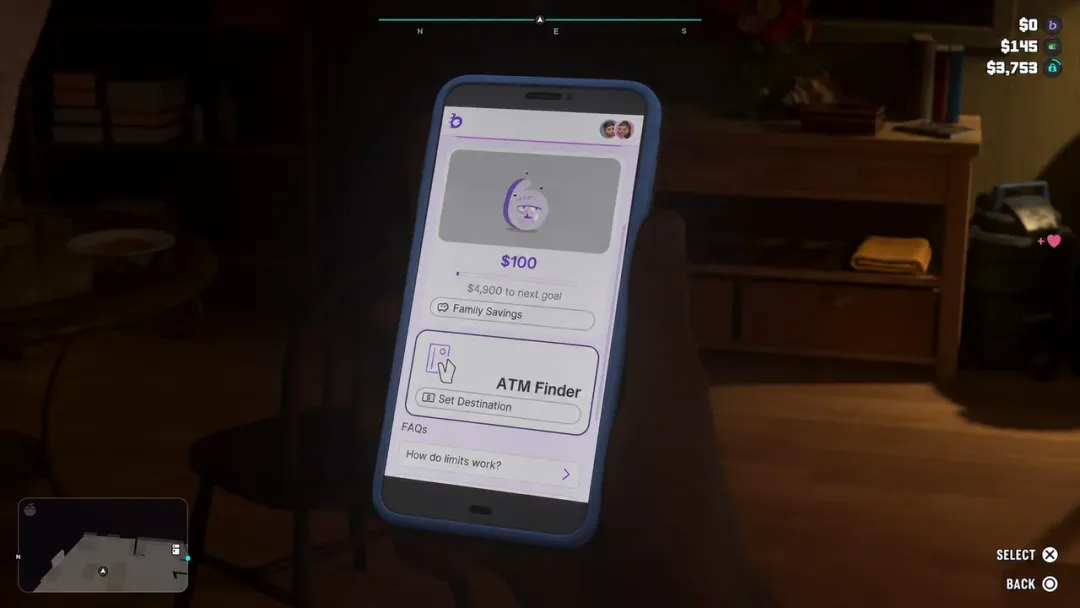
Transfer your $100 welcome bonus from checking into the shared Family Savings goal using Buck Yourself, completing the setup and opening up the ATM Finder.
Moving funds to Family Savings
- Select Buck Yourself from the BuckMe checking menu.
- Transfer the $100 welcome credit into Family Savings, which updates your progress toward the $5,000 goal.
- Check the ATM Finder option in the app before closing your phone. You will use it right afterward in Deposit Cash Into BuckMe to move pocket cash into checking, and keep building your balance for Save for the Future.
All 4 steps
Heistbook app
Track your 100%
Check off collectibles, missions and achievements as you play.
-

- Coming soon to Google Play