Step 1 of 6
Leave the Bayside Apartment
After wrapping up The Cartel Heist, Raul Bautista calls Jason Duval about lining up the next score, starting with a move into a beachfront hotel arranged by Valentina. Before the relocation begins, the game gives you an immediate choice.
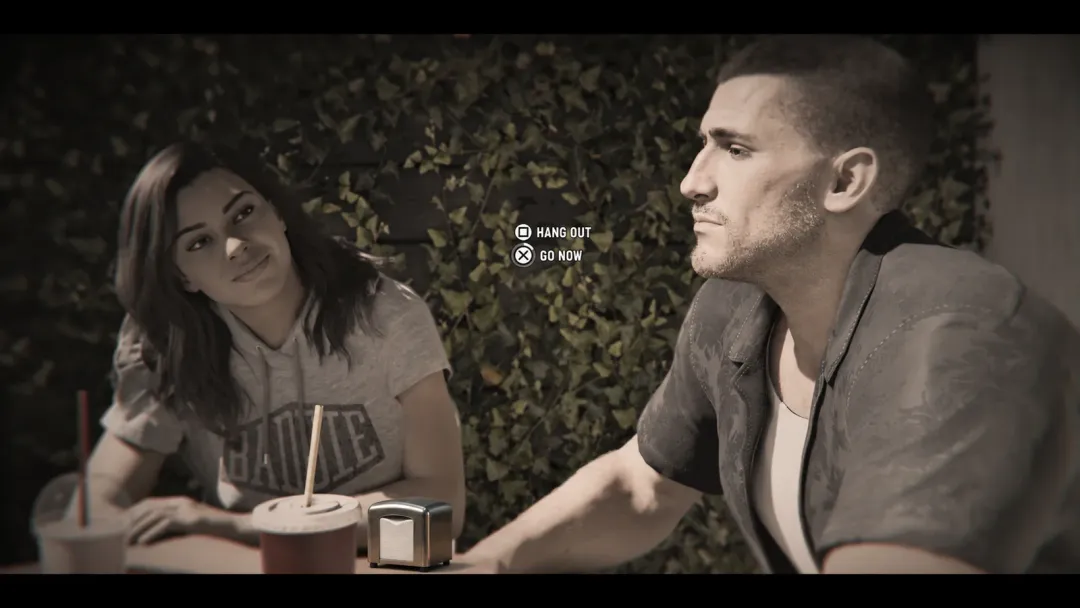
Starting the move
- Choose Go Now (Cross/A) or Hang Out (Square/X). Selecting Go Now launches Ocean Beach right away. Selecting Hang Out drops you into free roam and adds the Move Out of the Apartment marker at Jason and Lucia Caminos's VC Heights apartment in Bayside.
- Pick your active character before triggering the mission. Whichever protagonist walks into the apartment stays in control for the drive and hotel check-in, because Partner menu switching is locked until later in the mission.
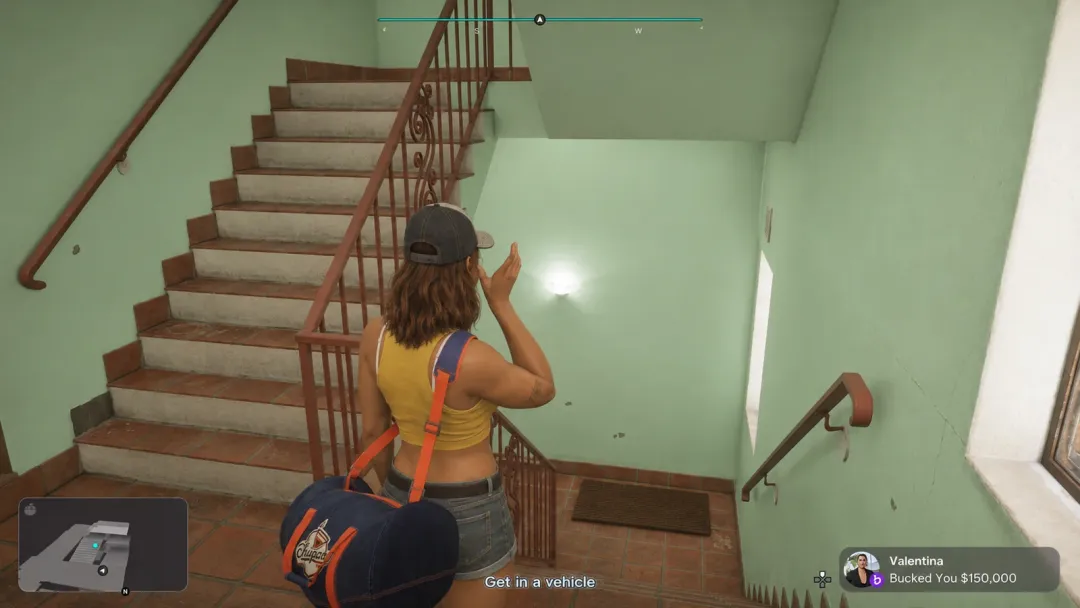
- Pack up and head down the stairs. After the packing cutscene finishes, walk down the exterior stairs toward the rear lot. On your way down, Valentina transfers your $150,000 heist share straight into your BuckMe account.
All 6 steps
Heistbook app
Track your 100%
Check off collectibles, missions and achievements as you play.
-

- Coming soon to Google Play