Paso 2 de 6
Ride Through the Airport with Omar
Once Jason Duval puts on his airport ground crew uniform and smart glasses, supervisor Omar drives him across the Vice City International Airport apron for a rapid orientation tour.
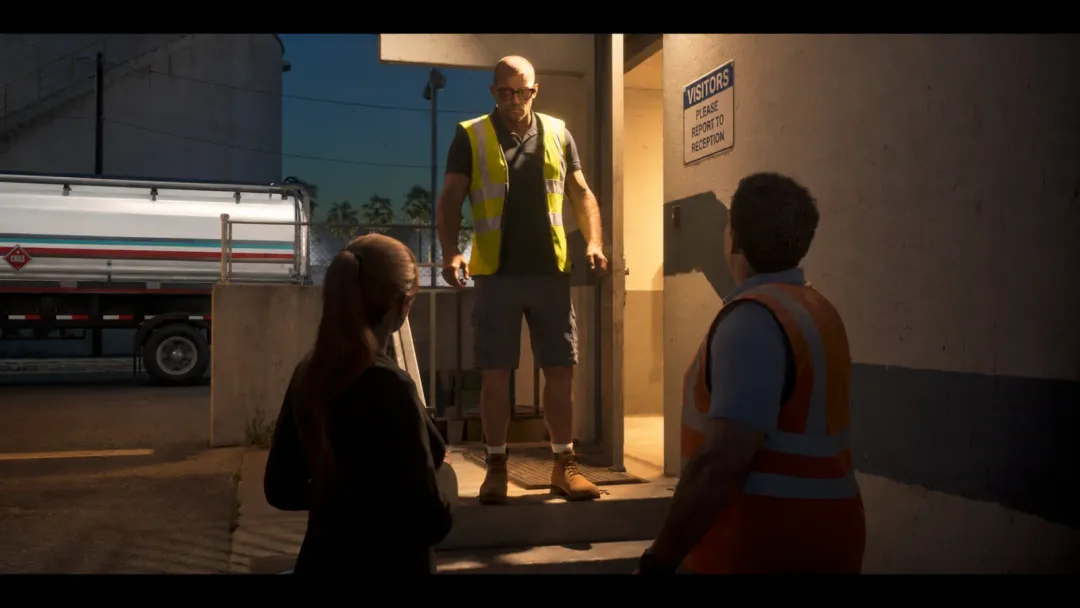
Scouting the tarmac through the smart glasses
- Ride along with Omar as he drives through the service roads and active tarmac lanes.
- Note the security overlay. The mission shifts into Jason's smart-glasses view, tagging patrolling airport security guards across the facility so you can see how tightly the apron and hangars are covered.
- Exit onto the tarmac with Omar. When Omar stops near the loading area and steps out, follow him on foot as he assigns Jason his first baggage-sorting task and sends him to fetch a tug.
Pay attention to the tagged guard silhouettes as Omar loops past the hangars and loading bays, because you will navigate that same perimeter on foot shortly when planting Karim's device inside the upstairs security office.
Los 6 pasos
App de Heistbook
Sigue tu 100%
Marca coleccionables, misiones y logros mientras juegas.
-

- Próximamente en Google Play